
Analyze Multiple Episodes with AI | AI Analysis (Bulk Processing)
There is no charge for AI usage through December 31, 2026. For use after that date, see the applicable terms. Available AI functions and technical limits depend on the account.
Bulk AI processing prepares suggestions for multiple episodes. Selecting an entire podcast does not mean that every episode or AI function is processed again.
Before you start
Examine the selected episodes, existing results, and running jobs. Existing or failed AI jobs can change which episodes are eligible. A skipped episode is not necessarily fully analyzed.
Also examine your podcast permissions and the displayed processing limits. The temporary period with no AI usage charge also applies to bulk AI processing. See AI functions and allowances.
Start bulk processing
- Open the available Bulk AI Processing action for the podcast or the related action in an episode's SEO section. The images show earlier screens.
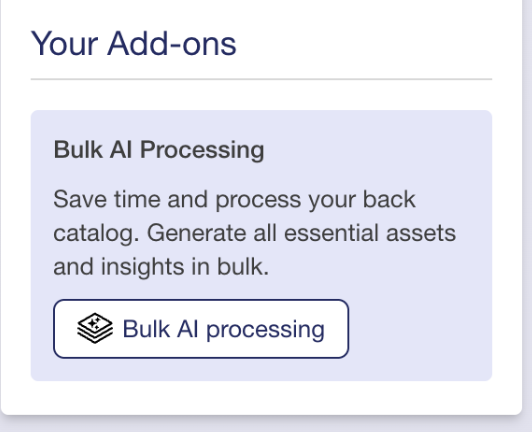
- Select Entire Back Catalogue or Episode Range, if available. Examine the actual selected episodes. A range can use episode numbers instead of calendar dates.

- Read the summary. The selected episodes and the eligible episodes can be different.
- After this examination, start processing. Wait for the status of each episode.

Examine results and partial failures
Jobs can run in sequence or in batches. An animation or progress counter does not show that every generation succeeded. Open the individual results and error messages.
Do not immediately start the full batch again if only some episodes are missing. First, examine their status and available retry actions. An existing error can cause an episode to be skipped again. Contact support if the status is unclear and give the affected episode names.
AI results are suggestions. Examine facts, links, quotes, and chapter times before you apply them. Then examine the saved episode fields. Generation is not automatic publication.
Bulk processing skips episodes without a usable audio duration, episodes with existing AI results or jobs (including failed jobs), and episodes already listed in an unfinished bulk run. An episode range uses episode numbers. A failed job is not automatically retried by selecting the entire catalogue again.